
Paperink Font Free Download
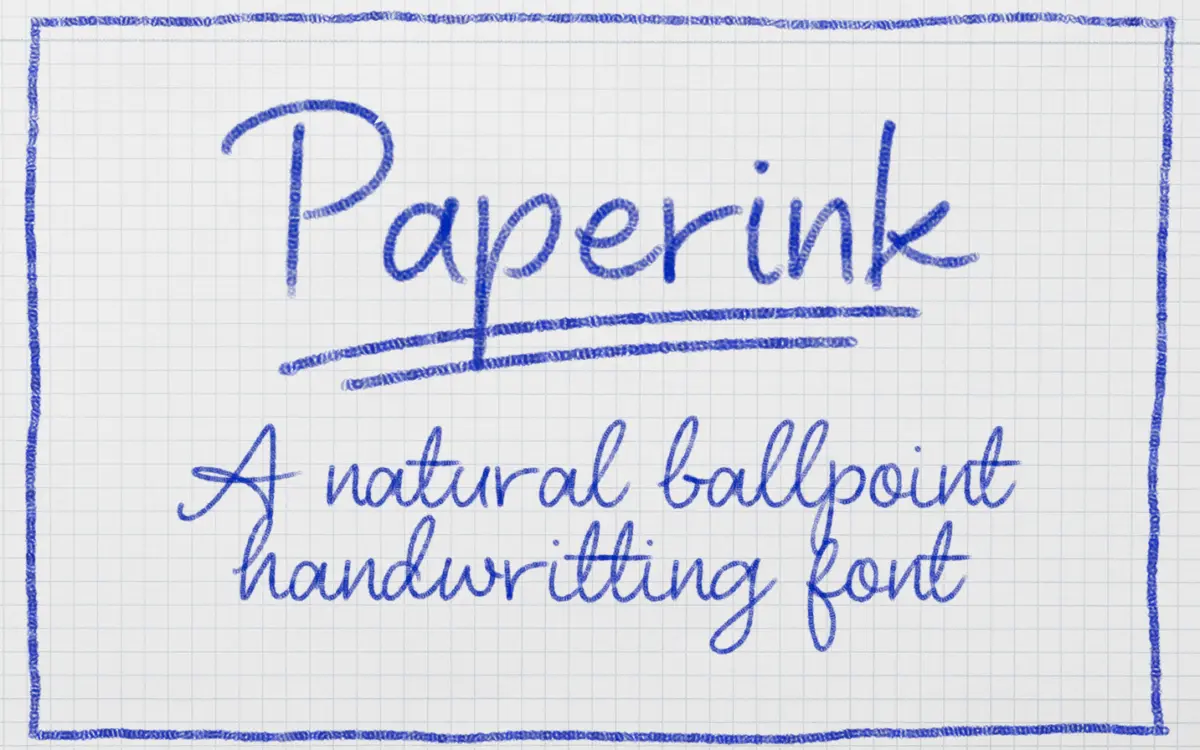
Is Paperink free to download?
Paperink is a commercial font sold on Creative Market, so the full version needs a paid license. Get it from the official listing: Paperink font download.
Need something free? These handwritten fonts from Google Fonts are free for personal and commercial use:
Design style
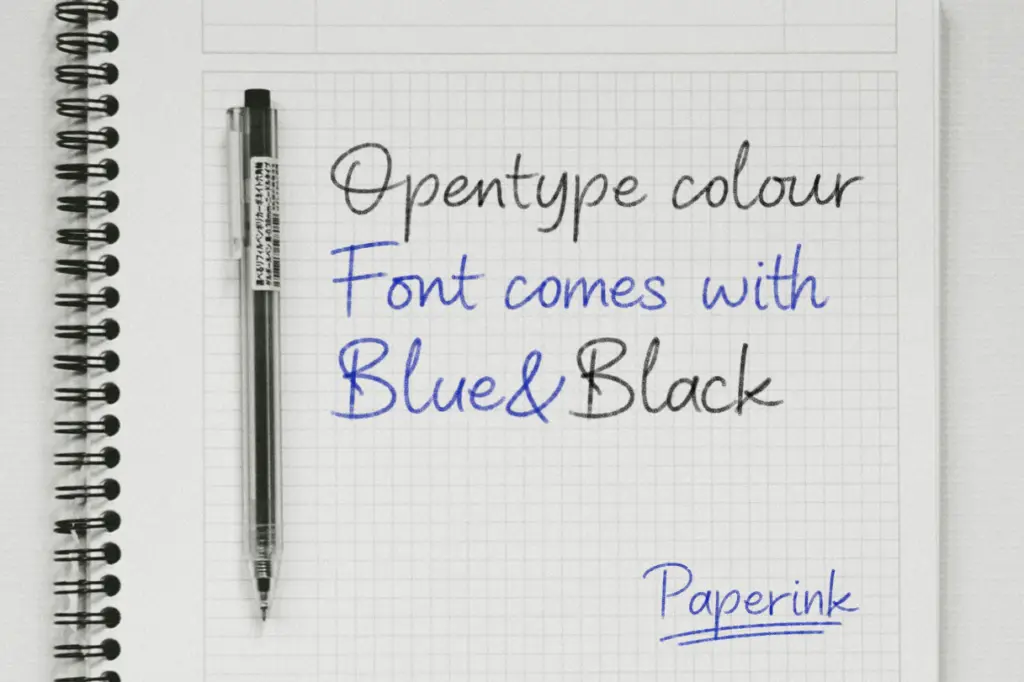
Paperink is a handwritten script built as a color SVG font, which puts it in a different category from most script typefaces on the market. Rather than relying on a single outline that you colour yourself, each letterform carries its own baked-in ink texture, in a choice of blue or black. The result reads like a felt-tip or fountain-pen note rather than a calligraphic flourish — looser, faster, less composed than a formal script. Strokes vary in weight the way real handwriting does, with visible pressure changes at the start and end of letters, and a slight unevenness in the baseline that keeps it from looking mechanical.
Because it’s built on the SVG/color font format, the ink itself has texture — subtle grain, slight variation in opacity — that a flat vector script can’t replicate without extra layering work. This is the font’s clearest reason to exist: it’s trying to look like something written with an actual pen, on actual paper, rather than a font pretending to.
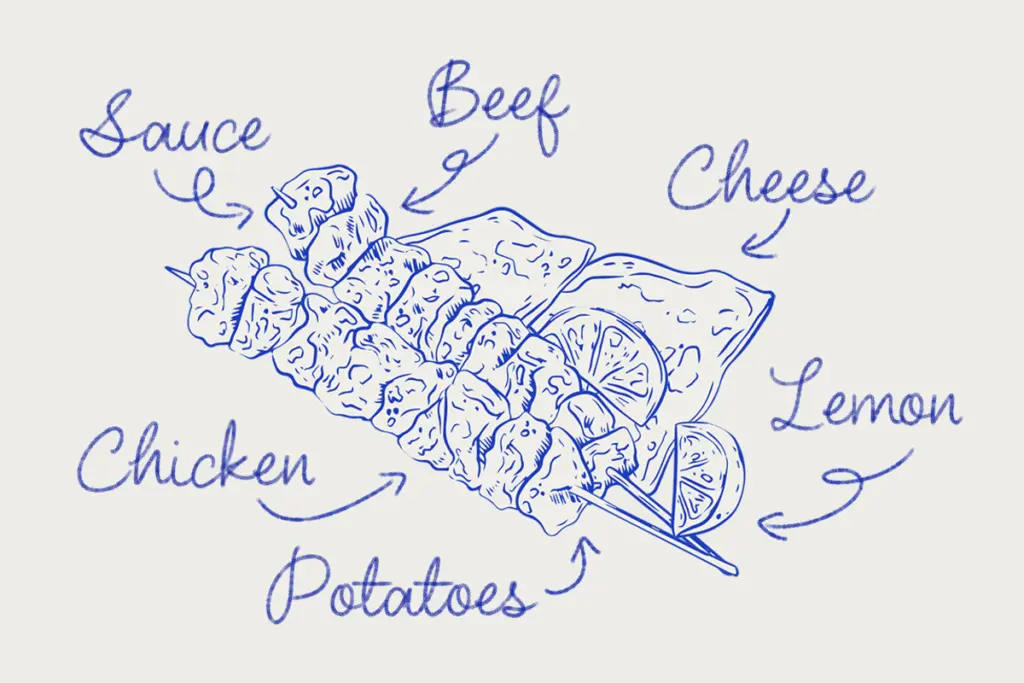
Character set and features
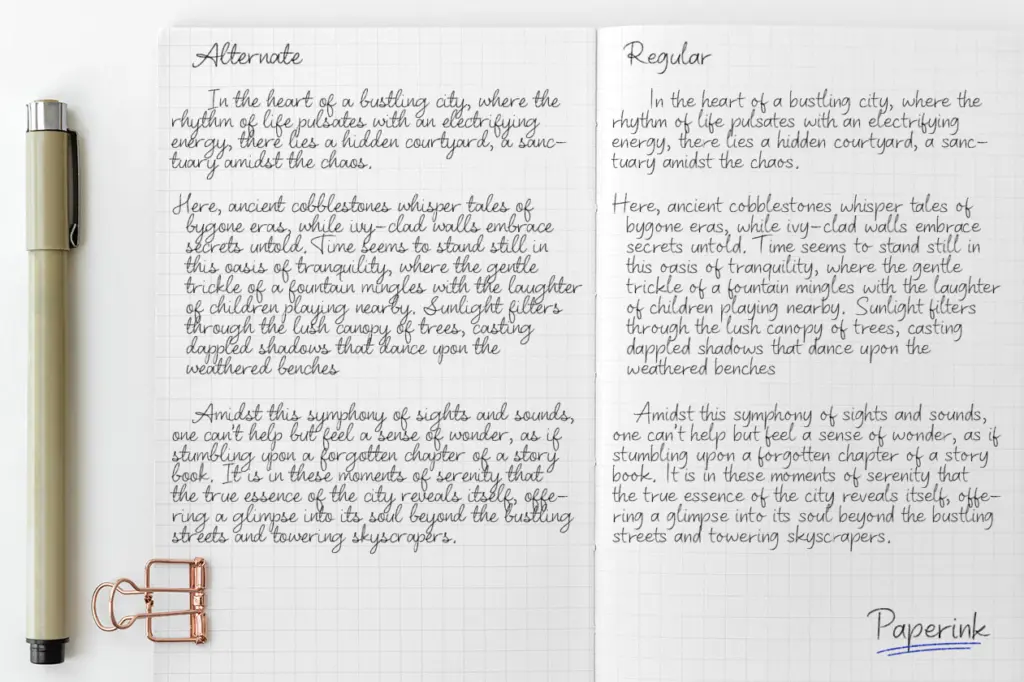
The package includes two color versions (blue and black) plus a vector regular style for cases where a flat outline is more useful than the textured ink. That’s a sensible bit of redundancy — the color version for anything final and visual, the vector version for when you need to manipulate the letterforms, resize aggressively, or output somewhere color fonts aren’t supported.
That last point matters more than it might seem. Color and bitmap-based fonts have patchy support outside a handful of applications. The seller is upfront that this is designed for Photoshop CC2017+ and Illustrator CC2018+, and that it won’t render correctly if installed system-wide on Windows. That’s a real constraint, not a footnote — if your workflow lives in a browser, a word processor, or most other design software, you’ll be working with the vector fallback only, which strips out the whole point of buying a color font in the first place.
Use cases
Paperink suits work that’s meant to look handwritten and casual rather than polished — think notes, journaling graphics, social posts, greeting cards, or packaging copy that wants a personal touch. The blue version in particular reads like ballpoint pen, which makes it useful for anything trying to look like a handwritten aside: a margin note, a signature line, a
We included Paperink in our roundup of the best handwritten fonts, alongside other picks in the same style.
What we liked, and what we didn’t
Strengths
- The color SVG ink texture gives a genuinely pen-like, hand-drawn feel that flat vector scripts lack.
- Two color options plus a vector fallback style cover both display use and more flexible editing needs.
- Loose, uneven strokes and baseline give it a convincingly casual, handwritten character.
Trade-offs
- Color/bitmap font support is limited outside Photoshop and Illustrator, and unreliable on Windows system-wide installs.
- Irregular baseline and stroke weight make it tiring to read at body-copy lengths.
Paperink delivers a genuinely textured, ink-like handwriting effect that flat vector scripts can't easily match, but the color SVG format ties it to a narrow set of applications. It's a good pick for short, handmade-looking text in Photoshop or Illustrator work, and a poor fit for anyone needing broad cross-platform reliability.

Tantype writes independent reviews of typefaces: what each font does well, where it falls short, what it suits, and where it is sold.